
Graphic design has become one of the most in-demand creative skills in today’s digital-first world. From social media creatives to branding materials and mobile app interfaces, businesses rely heavily on skilled graphic designers. For students planning to build a career in this field, one of the most important questions is what software and tools are taught in Noida graphic design courses and how relevant they are to real industry work.
Noida has emerged as a major education hub, especially for creative and IT-related courses. Graphic design institutes in Noida focus strongly on software-based, practical learning so that students are job-ready from day one. This blog explains the major design software and tools taught in these courses, how they are used, and why they matter for career growth.
Importance of software skills in graphic design education
Graphic design is not just about ideas; it is about execution. Even the most creative concept has little value if a designer cannot use professional tools efficiently. That is why understanding what software and tools are taught in Noida graphic design courses is essential before choosing an institute.
Most companies expect designers to be comfortable with industry-standard software from the start. Noida-based courses are designed to meet these expectations by combining design fundamentals with extensive hands-on software practice.
Core graphic design software taught in Noida courses
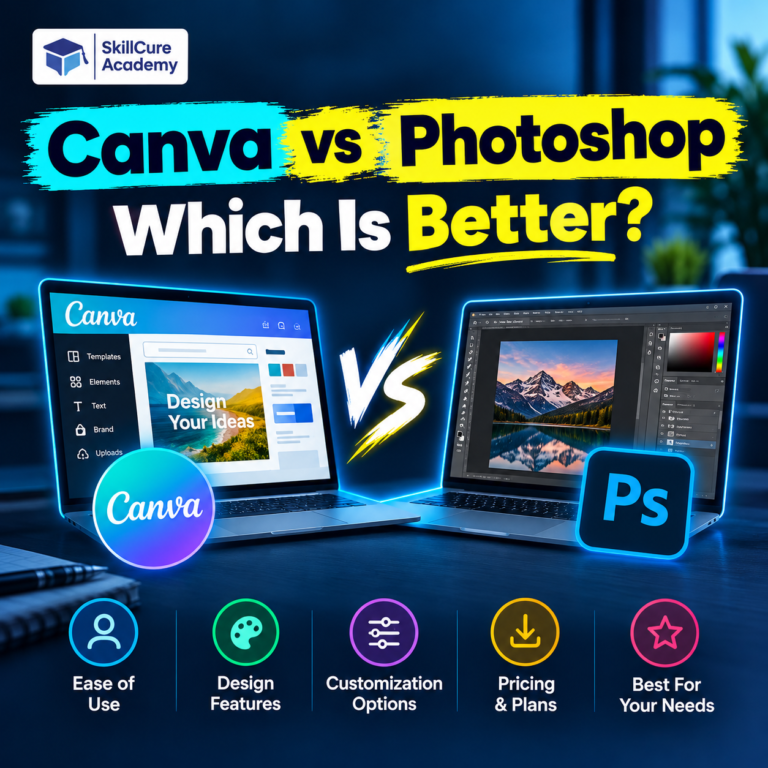
Adobe Photoshop
Adobe Photoshop is considered the foundation of graphic design learning. Almost every Noida graphic design course starts with this software. It is mainly used for image editing, photo retouching, background removal, and digital artwork.
Students learn how to:
- Work with layers and masks
- Adjust colors and lighting
- Create social media posts and banners
- Prepare images for web and print
Photoshop training helps learners build confidence in handling real client visuals.
Adobe Illustrator
Adobe Illustrator is a vector-based design tool and plays a major role in branding and logo design. Noida institutes focus heavily on Illustrator because it is widely used in advertising agencies and design studios.
Training usually covers logo creation, icon design, illustrations, typography handling, and color management. Students also learn how to create scalable designs that maintain quality across different platforms.
Adobe InDesign
Adobe InDesign is introduced for layout and publication design. It is commonly used for designing brochures, magazines, flyers, catalogs, and company profiles.
Through InDesign, students understand page layout principles, text alignment, grids, and print-ready file preparation. This software is especially useful for those interested in print media and corporate design work.
UI and UX design tools included in modern courses
Figma
Figma has become one of the most important tools in modern graphic design education. Many institutes in Noida now include Figma to teach UI and UX design basics.
Students use Figma to design website layouts, mobile app interfaces, wireframes, and prototypes. They also learn collaborative design workflows, which are essential when working with developers and product teams.
Adobe XD
Adobe XD is another popular tool for interface and experience design. It helps learners understand user journeys, screen transitions, and interactive prototypes.
Courses that include Adobe XD prepare students for entry-level roles in UI design and digital product teams.
Motion graphics and video design tools
Adobe After Effects
Motion graphics skills are increasingly valuable, especially for social media marketing and video advertising. Adobe After Effects is taught in many advanced graphic design course in Noida.
Students learn basic animation principles, text animations, logo motion, and visual effects. This tool opens opportunities in digital marketing agencies and content creation roles.
Adobe Premiere Pro
Some institutes also introduce Adobe Premiere Pro for basic video editing. Designers learn how to cut clips, add transitions, sync audio, and export videos for different platforms.
This skill is useful for designers working on reels, ads, and promotional videos.
Typography and design support tools
Typography is a core design element. Noida graphic design courses train students in font selection, pairing, spacing, and hierarchy. Learners are also taught how to use font libraries and manage typography consistently across projects.
In addition, students are introduced to basic design resources such as stock image platforms, color palette tools, and design inspiration libraries to support their creative process.
Overview of software taught in Noida graphic design courses
| Software / Tool | Main Purpose | Key Skills Learned | Career Use |
| Adobe Photoshop | Image editing | Retouching, digital creatives | Social media, ads |
| Adobe Illustrator | Vector design | Logos, icons, branding | Branding agencies |
| Adobe InDesign | Layout design | Brochures, catalogs | Print & publishing |
| Figma | UI/UX design | Wireframes, prototypes | Web & app design |
| Adobe XD | Interface design | User flows, interactions | Product design |
| After Effects | Motion graphics | Animations, effects | Video marketing |
| Premiere Pro | Video editing | Editing, transitions | Digital content |
How Noida institutes teach these tools
Most Noida graphic design institutes follow a project-based learning model. Each software tool is taught through practical assignments that simulate real industry work. Students work on logos, posters, social media creatives, UI screens, and motion graphics projects.
Mentors guide learners on professional workflows, file formats, design presentations, and portfolio building. This approach ensures students are not only tool-trained but also industry-ready.
Career opportunities after learning these tools
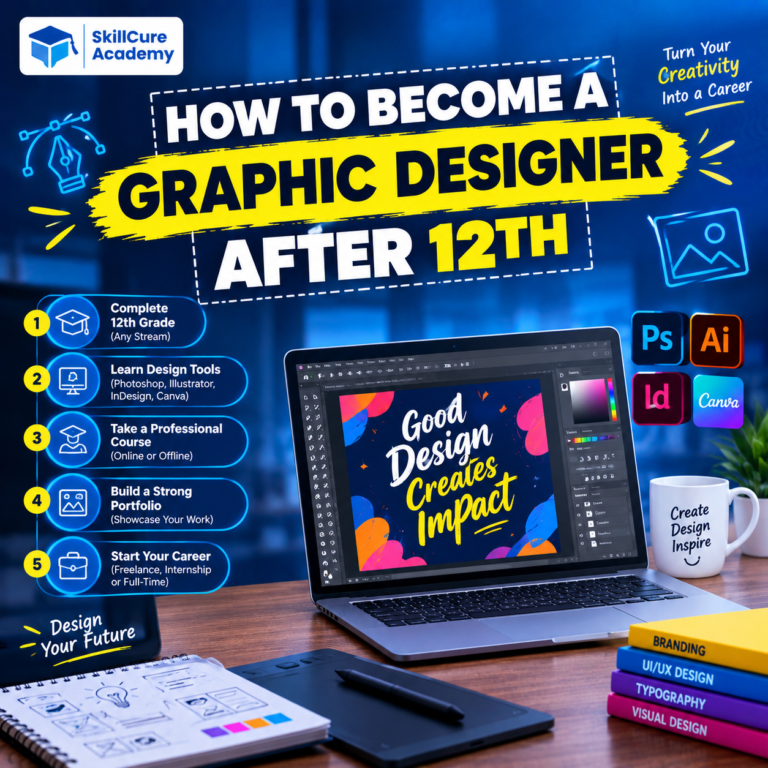
Students trained in these software tools can apply for roles such as graphic designer, visual designer, junior UI designer, branding executive, and creative executive. Knowledge of multiple tools allows designers to work across different domains, increasing their employability.
Understanding what software and tools are taught in Noida graphic design courses helps learners choose programs that align with current job market demands.
Key takeaway
- Noida graphic design courses focus on industry-standard software training
- Core tools include Photoshop, Illustrator, and InDesign
- Advanced programs cover UI, UX, and motion graphics tools
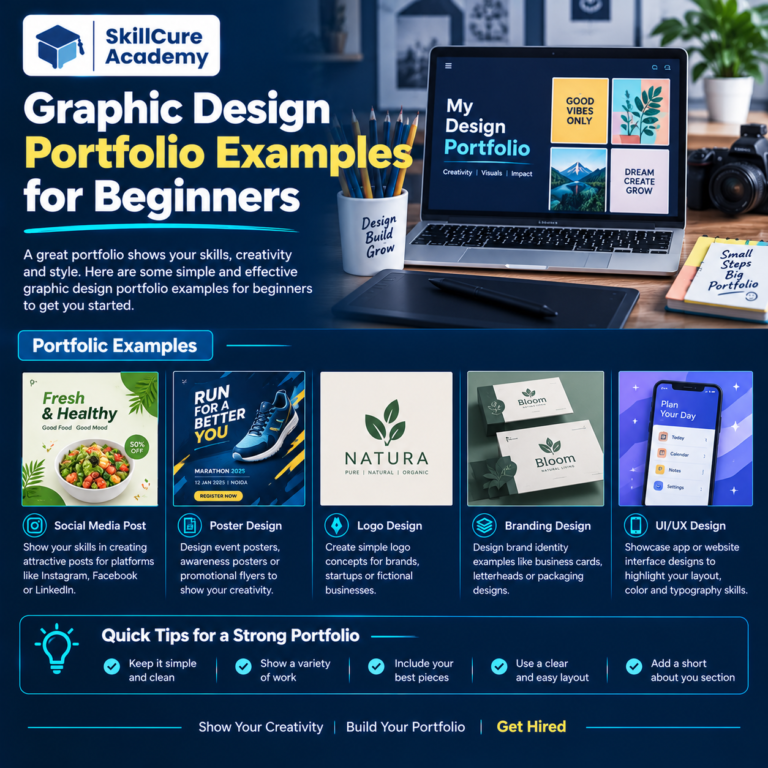
- Practical projects help students build strong design portfolios
Why choose Skillcure Academy for graphic design training in Noida
For learners looking for practical, career-focused graphic design education, Skillcure Academy offers a well-structured learning approach. The academy emphasizes hands-on training with industry-relevant software, ensuring students gain real-world design experience rather than just theoretical knowledge.
Skillcure Academy focuses on step-by-step skill development, guided projects, and portfolio creation to help students become job-ready. With experienced trainers and updated course content, the institute supports learners in mastering essential tools and applying them confidently in professional environments.
For anyone exploring what software and tools are taught in Noida graphic design courses, Skillcure Academy provides a balanced combination of creativity, technical skills, and career guidance, making it a strong choice for aspiring graphic designers