
Have you ever wanted to create a professional-looking poster, social media post, logo, or YouTube thumbnail but stopped because you thought graphic design software was expensive?
Well, things have changed in 2026.
You don’t always need expensive software or a paid subscription to start learning graphic design. There are several free graphic design tools available today that offer powerful features for beginners, students, freelancers, and even professional designers.
The interesting thing is that some of these tools can help you create designs that look just as professional as those made using paid software.
But which tool should you actually start with? Should you choose Canva, learn GIMP, or try something like Photopea?
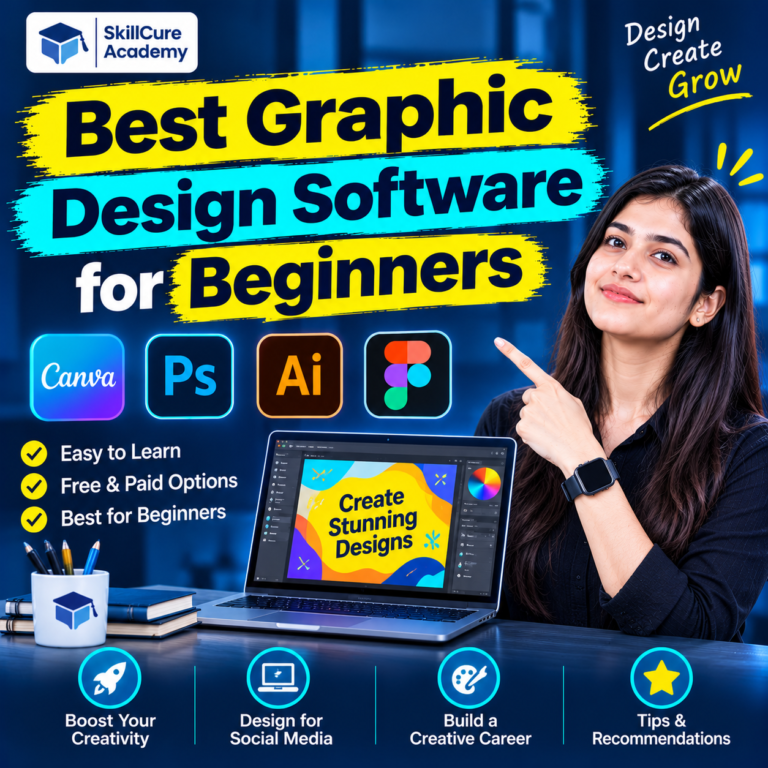
Let’s understand the best free graphic design tools in 2026, what they offer, and which one might be suitable for your design requirements.
What Are Graphic Design Tools?
Graphic design tools are software applications that help you create and edit visual content.
Whether you want to design a business logo, create an Instagram post, edit photographs, prepare marketing banners, or develop a complete brand identity, graphic design software makes these tasks easier.
Different tools are designed for different purposes. Some focus on ready-made templates, while others provide advanced editing, illustration, typography, and vector designing features.
For someone starting a graphic design journey, understanding these tools is an important first step.
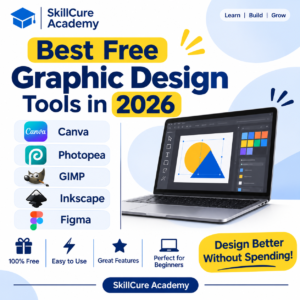
8 Best Free Graphic Design Tools in 2026
Let’s explore some of the most useful free graphic design software available in 2026.
1. Canva
If you are new to graphic design and don’t know where to begin, Canva is probably one of the easiest tools to explore.
Canva provides a simple drag-and-drop interface that allows users to create designs without having advanced technical knowledge.
You can choose a template, edit its text, change colours, add images, and customise the complete design according to your requirements.
What can you create using Canva?
- Instagram and Facebook posts
- YouTube thumbnails
- Business presentations
- Posters and banners
- Resumes and certificates
- Marketing creatives
Why should beginners use it?
The biggest advantage of Canva is its simplicity. You don’t need to understand complicated editing techniques before creating your first design.
It offers both free and paid features, so some premium templates, assets, and advanced tools require a subscription.
Best for: Beginners, students, social media managers, and small businesses.
Website: Canva
2. Adobe Express
Adobe Express is another excellent option for people who want to create attractive designs without learning complicated software.
Developed by Adobe, this tool offers templates, photo editing features, text effects, and design elements in one place.
What makes Adobe Express interesting is that it brings several creative features into a beginner-friendly interface.
You can use it to create social media content, promotional banners, presentations, and short-form visual content.
Key features:
- Ready-made design templates
- Background removal
- Image and video editing
- Text effects
- Social media content creation
- Brand-related design features
Adobe Express offers a free plan, although certain premium assets and features require payment.
Best for: Beginners, content creators, and digital marketers.
Website: Adobe Express
3. Photopea
Now, let’s talk about a tool that is particularly useful for people who want to learn Photoshop-style editing without purchasing Photoshop.
Photopea is an online image editing tool that works directly through your web browser.
One interesting thing about Photopea is that it supports PSD files, which means you can open and edit many Photoshop project files without installing Photoshop.
It provides several familiar editing features, including layers, masks, selection tools, blending modes, and filters.
What can you do with Photopea?
- Remove image backgrounds
- Edit photographs
- Create thumbnails
- Design promotional banners
- Work with PSD files
- Apply image effects
The best part is that you can start using Photopea without downloading heavy software.
Its free version is supported by advertisements.
Best for: Beginners learning photo editing and people looking for a browser-based Photoshop alternative.
Website: Photopea
4. GIMP
If you want to move beyond basic editing and learn more advanced graphic design techniques, GIMP is worth exploring.
GIMP stands for GNU Image Manipulation Program. It is an open-source image editing software that offers several advanced features.
Unlike many online design platforms, GIMP is desktop software that you can install on your computer.
It provides tools for photo retouching, image manipulation, layer editing, and graphic composition.
Important features of GIMP:
- Advanced image manipulation
- Layer-based editing
- Photo retouching
- Customisable brushes
- Colour correction
- Filters and effects
GIMP is completely free and open source. However, beginners may need some time to understand its interface and editing workflow.
Best for: Students, photographers, and aspiring professional graphic designers.
Website: GIMP
5. Inkscape
Have you ever noticed that some logos look equally sharp whether they are displayed on a visiting card or a large advertising banner?
That is possible because of vector graphics.
Inkscape is a free and open-source vector graphics editor that helps designers create scalable designs.
Unlike normal pixel-based images, vector graphics can be resized without losing their sharpness.
This makes Inkscape particularly useful for logo designing, icons, illustrations, and other branding-related projects.
What can you create using Inkscape?
- Business logos
- Icons and symbols
- Vector illustrations
- Posters
- Infographics
- Scalable artwork
It also supports SVG, which is widely used for vector graphics on websites.
Best for: Logo designers, illustrators, and people interested in vector graphic designing.
Website: Inkscape
6. Krita
If you enjoy drawing, painting, or creating digital illustrations, Krita is one of the best free tools you can explore.
Krita is an open-source digital painting application designed primarily for artists and illustrators.
It provides a wide collection of brushes, layers, drawing tools, and customisation options.
You can use it to create digital paintings, character illustrations, concept art, and other creative artwork.
Key features:
- Customisable brushes
- Digital painting tools
- Layer management
- Drawing assistants
- Animation features
- Colour management
One thing worth remembering is that Krita is mainly focused on digital painting rather than everyday marketing designs.
Best for: Digital artists, illustrators, and creative design students.
Website: Krita
7. Figma
Graphic design is not limited to posters, banners, and social media creatives.
Another important area is UI/UX design, where designers create the visual layouts and user experiences of websites and mobile applications.
This is where Figma becomes useful.
Figma is a browser-based design platform that allows designers to create website layouts, application interfaces, prototypes, and design systems.
It also supports real-time collaboration, allowing multiple people to work on the same project.
What can you do using Figma?
- Website interface designing
- Mobile application layouts
- Wireframing
- Interactive prototyping
- Design system creation
- Team collaboration
Figma provides a free Starter plan, although some team and advanced features have limitations.
Best for: UI/UX designers, web designers, and students interested in product design.
Website: Figma
8. Affinity
Affinity deserves a place on this list because it offers powerful creative tools for people interested in professional graphic design.
In 2026, Affinity is particularly interesting because Canva made its new Affinity application available free for individuals.
It brings together professional creative workflows for vector design, photo editing, and page layout.
You can use it for projects that require more control and precision than basic template-based design platforms.
Key features:
- Vector graphic designing
- Advanced photo editing
- Page layout designing
- Professional design tools
- Support for creative workflows
Keep in mind that some AI-powered features may require a paid Canva plan.
Best for: Intermediate designers, professionals, and people interested in advanced graphic design.
Website: Affinity
Comparison of the Best Free Graphic Design Tools in 2026
If you are still confused about which software to choose, here is a quick comparison.
| Tool | Best For | Skill Level | Free Availability |
|---|---|---|---|
| Canva | Social media designs | Beginner | Free plan |
| Adobe Express | Marketing creatives | Beginner | Free plan |
| Photopea | Photo editing | Beginner to Intermediate | Free with ads |
| GIMP | Advanced image editing | Intermediate | Completely free |
| Inkscape | Logo and vector design | Beginner to Advanced | Completely free |
| Krita | Digital illustration | Beginner to Advanced | Completely free |
| Figma | UI/UX designing | Beginner to Advanced | Free Starter plan |
| Affinity | Professional designing | Intermediate to Advanced | Free for individuals |
Note: Free-plan features and limitations can change. Always check the official websites before choosing a tool for professional work.
Which Free Graphic Design Tool Should Beginners Learn First?
This is probably one of the most common questions among people who are planning to enter the graphic design industry.
My suggestion would be to avoid learning all these tools at once.
Start by understanding what type of designing interests you.
Here is a simple way to decide:
| Your Interest | Recommended Tool |
|---|---|
| Social media posts and banners | Canva |
| Photo editing | Photopea or GIMP |
| Logo designing | Inkscape or Affinity |
| Digital illustration | Krita |
| Website and app designing | Figma |
| Marketing creatives | Adobe Express |
Once you understand the basics of design, you can gradually explore advanced software.
Remember, learning software is only one part of becoming a graphic designer. You also need to understand colour combinations, typography, alignment, spacing, composition, and visual communication.
Can You Become a Professional Graphic Designer Using Free Tools?
Absolutely!
You don’t necessarily need expensive software to start building your graphic design career.
Many free tools offer features that are sufficient for creating professional-looking projects.
However, there is an important difference between knowing how to operate software and actually understanding graphic design.
For example, anyone can select a template and create an Instagram post using Canva. But a professional designer understands why a particular font works, how colours influence visual appearance, and how to maintain consistency across different designs.
If you want to build a career in graphic design, focus on these skills:
- Typography and font selection
- Colour theory
- Layout and composition
- Image editing
- Logo and branding fundamentals
- Social media creative designing
- Understanding client requirements
- Building a professional design portfolio
You should also practise by creating real-world projects instead of simply watching tutorials.
Final Thoughts
Graphic design has become more accessible than ever in 2026. You can start learning, practising, and creating professional designs without spending money on expensive software.
Tools like Canva and Adobe Express are excellent for beginners, while GIMP, Inkscape, Krita, Figma, and Affinity offer more specialised creative capabilities.
My recommendation is simple: choose one tool based on your interest, understand its features, and start creating projects.
Don’t focus only on learning software. Focus on developing your creativity and building a portfolio that demonstrates what you can actually design.
If you are planning to make graphic design your career, practical experience and a strong understanding of design fundamentals will make a real difference.
Frequently Asked Questions (FAQs)
1. Which is the best free graphic design tool in 2026?
Canva is one of the best options for beginners because of its simple interface and ready-made templates. However, GIMP, Inkscape, Figma, and Affinity are better suited to specific professional design requirements.
2. Can I learn graphic design without Photoshop?
Yes. You can learn graphic design using free alternatives like Photopea, GIMP, Inkscape, Krita, and Affinity. Photoshop is not compulsory for learning graphic design.
3. Which free graphic design software is best for beginners?
Canva and Adobe Express are excellent starting points because they offer simple interfaces and ready-made templates. Beginners interested in professional editing can also explore Photopea.
4. Is Canva completely free to use?
Canva offers a free plan that includes various templates and design features. However, some premium templates, stock assets, and advanced features require Canva Pro.
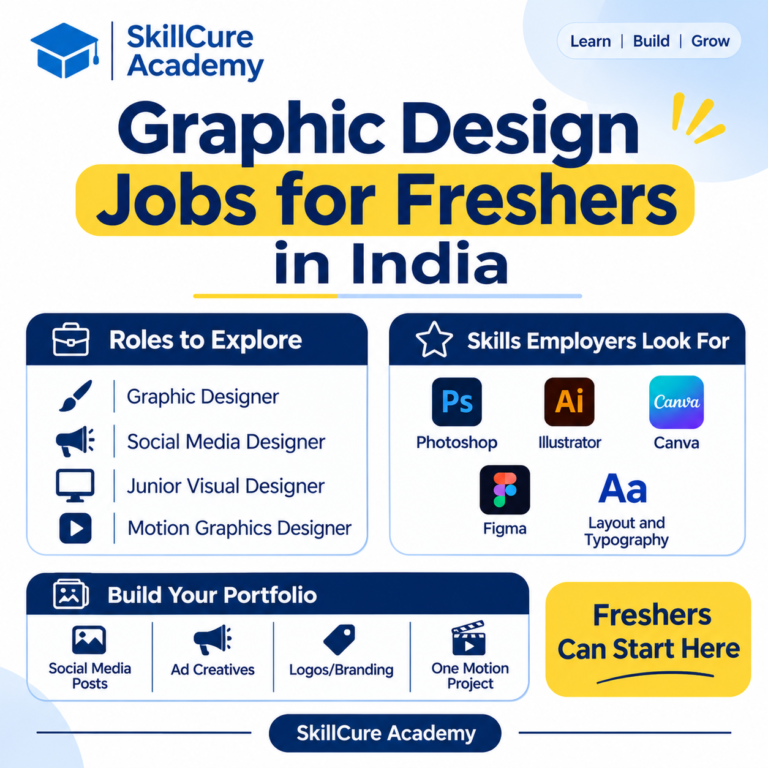
5. Can I get a graphic design job after learning free software?
Yes. Employers generally look at your design skills, creativity, software knowledge, and portfolio. Learning free graphic design software can help you develop these skills and prepare for entry-level opportunities.