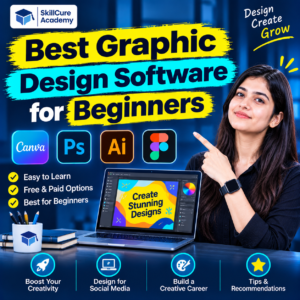

Graphic design has become an important skill in today’s digital world. From social media posts and business logos to website banners, advertisements, brochures, and presentations, graphic design is used by businesses across almost every industry.
If you are planning to learn graphic design, one of the first questions you may have is: Which is the best graphic design software for beginners?
With so many design tools available, choosing the right software can be confusing, especially if you have no previous designing experience. Some tools are easy to learn, while others offer advanced features for professional designers.
The good news is that you do not need expensive software or previous experience to get started. You can begin with beginner-friendly applications like Canva and gradually learn professional tools such as Adobe Photoshop, Adobe Illustrator, and CorelDRAW.
In this blog, we will explore the 7 best graphic design software for beginners, their features, advantages, uses, and how to choose the right tool for your career.
What Is Graphic Design Software?
Graphic design software refers to computer applications used to create, edit, and modify visual content. These tools help designers communicate ideas through images, colours, typography, illustrations, and layouts.
Graphic design software is commonly used for:
- Logo and brand identity design
- Social media posts and advertisements
- Posters, banners, and brochures
- Website and mobile app graphics
- Photo editing and manipulation
- Business presentations
- Packaging and product designs
Different software applications serve different purposes. Therefore, understanding their features will help beginners choose the right one.
Top 7 Best Graphic Design Software for Beginners
Here are seven popular graphic design tools that beginners can explore to develop their designing skills.
1. Canva
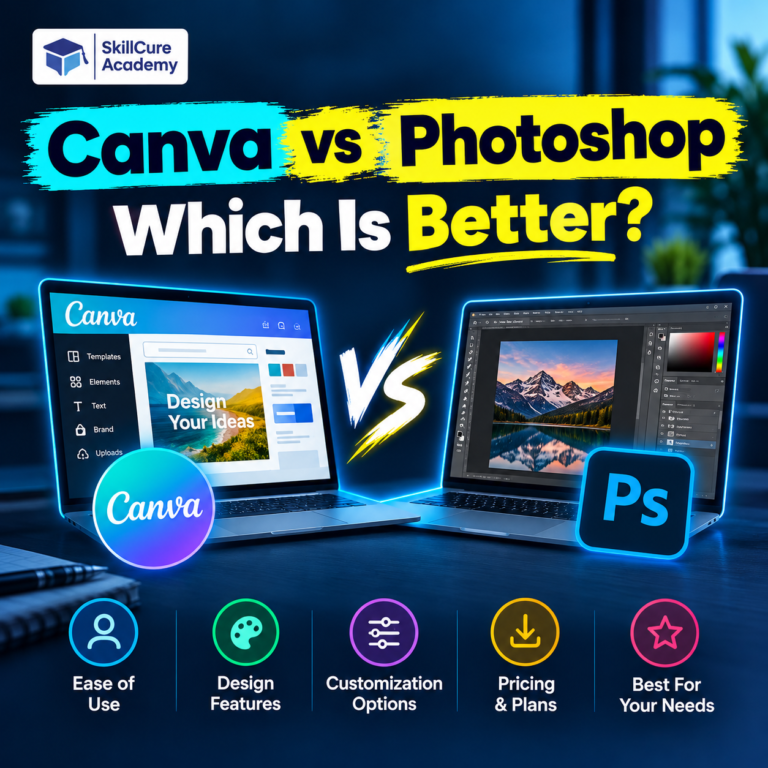
Canva is one of the easiest graphic design tools for beginners. Its simple drag-and-drop interface allows users to create professional-looking designs without advanced technical knowledge.
It provides thousands of ready-made templates, fonts, illustrations, images, and design elements.
Key Features:
- Ready-to-use design templates
- Drag-and-drop editing
- Social media post and story creation
- Presentation and poster designing
- Brand kit and design assets
- AI-powered design features
Advantages:
- Easy to learn and use.
- Free version available.
- No advanced designing experience required.
- Suitable for quick marketing creatives.
Limitation: Canva offers less flexibility for complex illustrations and advanced photo manipulation compared with professional design applications.
2. Adobe Photoshop
Adobe Photoshop is one of the most widely used professional graphic design applications. It is especially useful for editing photographs, creating advertising creatives, removing backgrounds, and designing digital artwork.
Although Photoshop has many advanced features, beginners can start by learning basic tools and gradually explore more complex functions.
Key Features:
- Image editing and retouching
- Layers and masking
- Background removal
- Text and typography effects
- Photo manipulation
- Digital painting and AI-assisted editing
Advantages:
- Professional-level editing capabilities.
- Widely used in the design industry.
- Suitable for creative and commercial projects.
- Offers extensive learning resources.
Limitation: Beginners may need time to understand its tools, layers, and editing techniques. A paid subscription is generally required.
3. Adobe Illustrator
Adobe Illustrator is a vector-based graphic design application. Unlike traditional raster images, vector graphics can be resized without losing their quality.
It is particularly useful for creating logos, business illustrations, icons, packaging designs, and brand identities.
Key Features:
- Vector drawing tools
- Pen and shape tools
- Logo and icon creation
- Typography and text effects
- Colour gradients
- Professional illustration features
Advantages:
- Excellent for scalable designs.
- Suitable for professional branding projects.
- Provides precise design control.
- Useful for print and digital graphics.
Limitation: Understanding the Pen Tool and vector paths can be challenging for complete beginners.
4. CorelDRAW
CorelDRAW is another popular graphic design application, especially in the printing and publishing industry.
It is commonly used by designers working on visiting cards, banners, hoardings, brochures, packaging, and other print-related projects.
Key Features:
- Vector illustration
- Page layout design
- Typography tools
- Colour management
- Print-ready design creation
- Object editing and alignment
Advantages:
- Useful for print-based designing.
- Provides professional vector tools.
- Suitable for marketing and branding materials.
- Popular in printing and advertising workflows.
Limitation: Beginners need practice to understand its advanced vector and layout tools.
5. Figma
Figma is a popular design tool used by UI/UX designers and product teams. It allows users to design website layouts, mobile applications, and interactive prototypes.
Its collaborative features make it possible for multiple team members to work on the same project.
Key Features:
- Website and app interface design
- Interactive prototyping
- Reusable components
- Real-time collaboration
- Design systems
- Developer handoff tools
Advantages:
- Beginner-friendly interface.
- Supports collaborative projects.
- Useful for UI/UX career development.
- Browser-based workflow.
Limitation: Figma is primarily designed for interface design rather than advanced photo editing or traditional print graphics.
6. GIMP
GIMP stands for GNU Image Manipulation Program. It is a free and open-source image editing application that provides several tools for professional-style photo editing and image manipulation.
It is a good option for students who want to practise image editing without purchasing expensive software.
Key Features:
- Advanced photo editing
- Image retouching
- Layers and masks
- Custom brushes
- Filters and effects
- Image composition
Advantages:
- Completely free and open-source.
- Supports multiple image formats.
- Useful for learning image editing.
- Available for different operating systems.
Limitation: Its interface and advanced features may take some time to understand.
7. Inkscape
Inkscape is a free vector graphics application that allows beginners to create professional-looking illustrations, logos, icons, and other visual elements.
It is particularly useful for students who want to learn vector designing without investing in paid software.
Key Features:
- Vector drawing and illustration
- Pen and shape tools
- Logo and icon creation
- Text and typography editing
- SVG file support
- Object alignment and editing
Advantages:
- Free and open-source.
- Suitable for learning vector design.
- Creates scalable graphics.
- Useful alternative to paid vector design applications.
Limitation: Beginners may need regular practice to understand vector paths, nodes, and advanced drawing tools.
Graphic Design Software Comparison: Which One Should You Choose?
Choosing the right software depends on your designing goals, budget, and experience level.
Here is a quick comparison of the seven tools discussed above.
| Software | Best Use | Pricing |
|---|---|---|
| Canva | Social media and presentations | Free + Paid |
| Adobe Photoshop | Photo editing and manipulation | Paid |
| Adobe Illustrator | Logos and vector graphics | Paid |
| CorelDRAW | Print and banner designing | Paid |
| Figma | UI/UX and app designing | Free + Paid |
| GIMP | Photo editing | Free |
| Inkscape | Vector illustrations | Free |
Note: Pricing and free-plan features can change. Check the official software websites before purchasing.
How to Choose the Right Graphic Design Software as a Beginner?
Before selecting any graphic design software, consider the following factors:
1. Understand Your Designing Goals
First, decide what type of designs you want to create. If you are interested in social media posts, start with Canva. If you want to create logos, learn Illustrator or Inkscape. For photo editing, Photoshop or GIMP can be good options.
2. Consider Your Budget
Not every beginner needs expensive software. You can start with free applications like Canva, GIMP, and Inkscape. Once you understand the basics, you can explore professional paid tools.
3. Check System Requirements
Some professional applications require a reasonably powerful computer. Before installing software, check its system requirements, available storage, and compatibility with your operating system.
4. Focus on Practical Learning
Watching tutorials is helpful, but practical work is equally important. Create posters, social media creatives, logos, brochures, and advertisements to improve your designing skills.
5. Learn More Than One Tool
Professional graphic designers often work with multiple applications. Learning Photoshop, Illustrator, and CorelDRAW can help you handle different types of creative projects.
Essential Graphic Design Skills Beginners Should Learn
Learning software alone does not make someone a professional graphic designer. You also need to understand the fundamental principles of designing.
Here are some important skills to develop:
- Colour Theory: Understand how colours work together and create visual impact.
- Typography: Learn how to select and combine fonts effectively.
- Layout and Composition: Understand how to arrange different elements within a design.
- Image Editing: Practise cropping, retouching, background removal, and image manipulation.
- Creativity: Develop the ability to communicate ideas through visual content.
- Branding: Learn how businesses use colours, fonts, and logos to build their identity.
These skills will help you create designs that are not only attractive but also communicate the right message.
Career Opportunities After Learning Graphic Design
Graphic design offers several career opportunities across digital marketing, advertising, media, e-commerce, and creative industries.
Some popular job roles include:
| Job Role | Main Responsibility |
|---|---|
| Graphic Designer | Creating visual content for businesses |
| Social Media Designer | Designing posts and marketing creatives |
| Logo Designer | Creating brand identities |
| Photo Editor | Editing and enhancing photographs |
| UI Designer | Designing website and app interfaces |
| Brand Identity Designer | Developing visual branding systems |
| Creative Designer | Creating advertising and promotional designs |
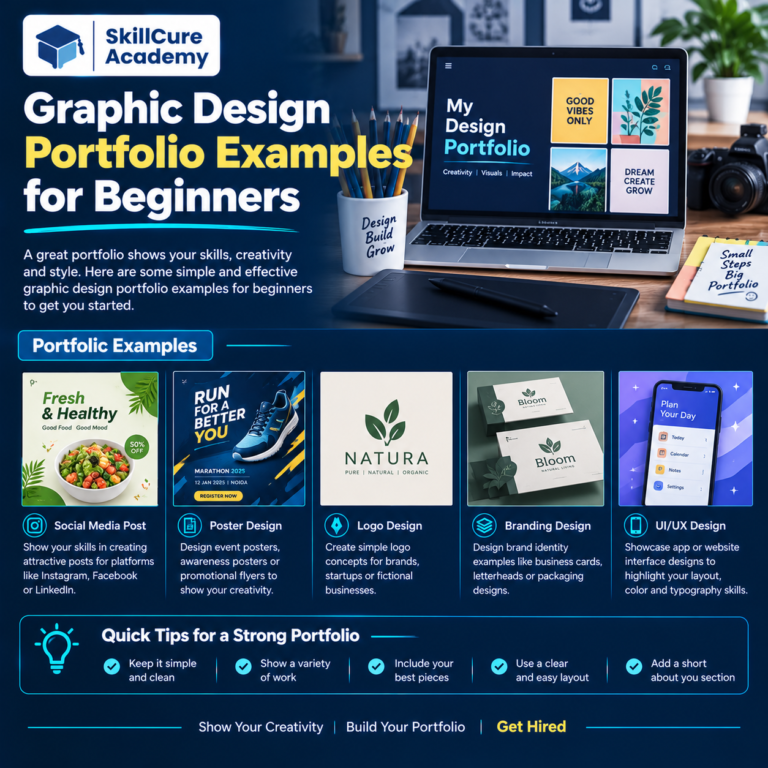
Beginners can start by building a portfolio of practical projects and applying for internships, freelance projects, or entry-level positions.
Learn Graphic Designing at Skillcure Academy, Noida
Learning graphic design becomes easier when you have the right guidance, practical exposure, and structured training.
At Skillcure Academy, Noida Sector 15, students can develop their creative and technical skills through practical learning and industry-oriented training.
The learning approach focuses on understanding design concepts, exploring professional software, and working on practical creative projects.
Students interested in building a career in graphic design can focus on developing skills such as:
- Photoshop and image editing
- Illustrator and vector designing
- CorelDRAW and print designing
- Typography and colour combinations
- Social media and promotional creatives
- Portfolio development
Whether you are a student, fresher, working professional, or someone interested in exploring a creative career, learning graphic design can help you develop valuable skills.
Start learning graphic design with practical training at Skillcure Academy, Noida Sector 15.
Frequently Asked Questions (FAQs)
1. Which is the best graphic design software for beginners?
Canva is one of the easiest tools for beginners because of its drag-and-drop interface and ready-made templates. Students interested in professional designing can gradually learn Photoshop and Illustrator.
2. Can I learn graphic design for free?
Yes. You can start learning graphic design using free tools like Canva, GIMP, and Inkscape. Many online tutorials are also available to help beginners understand designing concepts.
3. Is Photoshop or Illustrator better for beginners?
Both applications serve different purposes. Photoshop is mainly used for photo editing and image manipulation, while Illustrator is suitable for logos, illustrations, and vector graphics.
4. How long does it take to learn graphic design?
You can learn basic designing concepts within a few weeks with regular practice. However, developing professional skills, creativity, and a strong portfolio requires consistent learning and practical experience.
5. Is graphic design a good career option in 2026?
Yes. Graphic design offers opportunities in advertising, digital marketing, branding, social media, e-commerce, and UI design. Building a strong portfolio and learning industry-relevant tools can help beginners explore these career opportunities.